Skip to main content
Adding or Updating Payment Details Via MyAccount
1. Head to your MyAccount account and sign in using your email address an password.
-
- Need help resetting a MyAccount password? Click here!
2. Select the 'Invoices' option from the dashboard page.
3. On the subsequent screen:
- Select unpaid if you're renewing a membership or updating payment details for a monthly payment plan;
- Select paid if you're updating payment details for a membership that has already been paid in full
4. Select the Payment Options tab, then select Add Payment Method.
- If you are simply updating an expiry date for an existing card, click on the relevant card under 'Payment Method' to open the edit option.
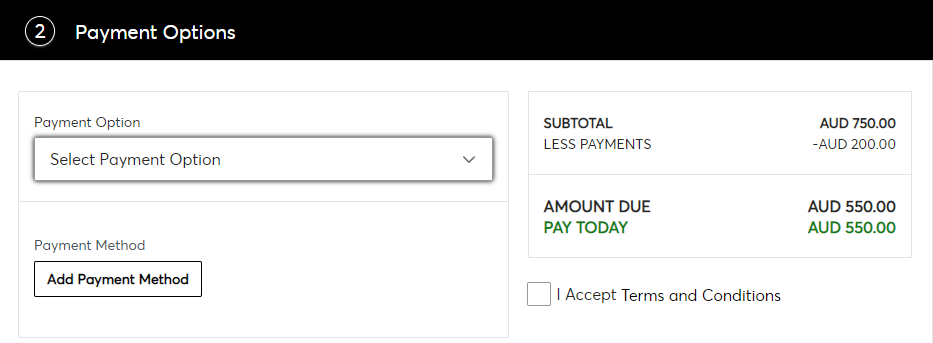
5. Click Finalise Payment to confirm.
- If there are no funds owing at the time of updating you will not be charged.

Comments
0 comments
Article is closed for comments.